# Themes

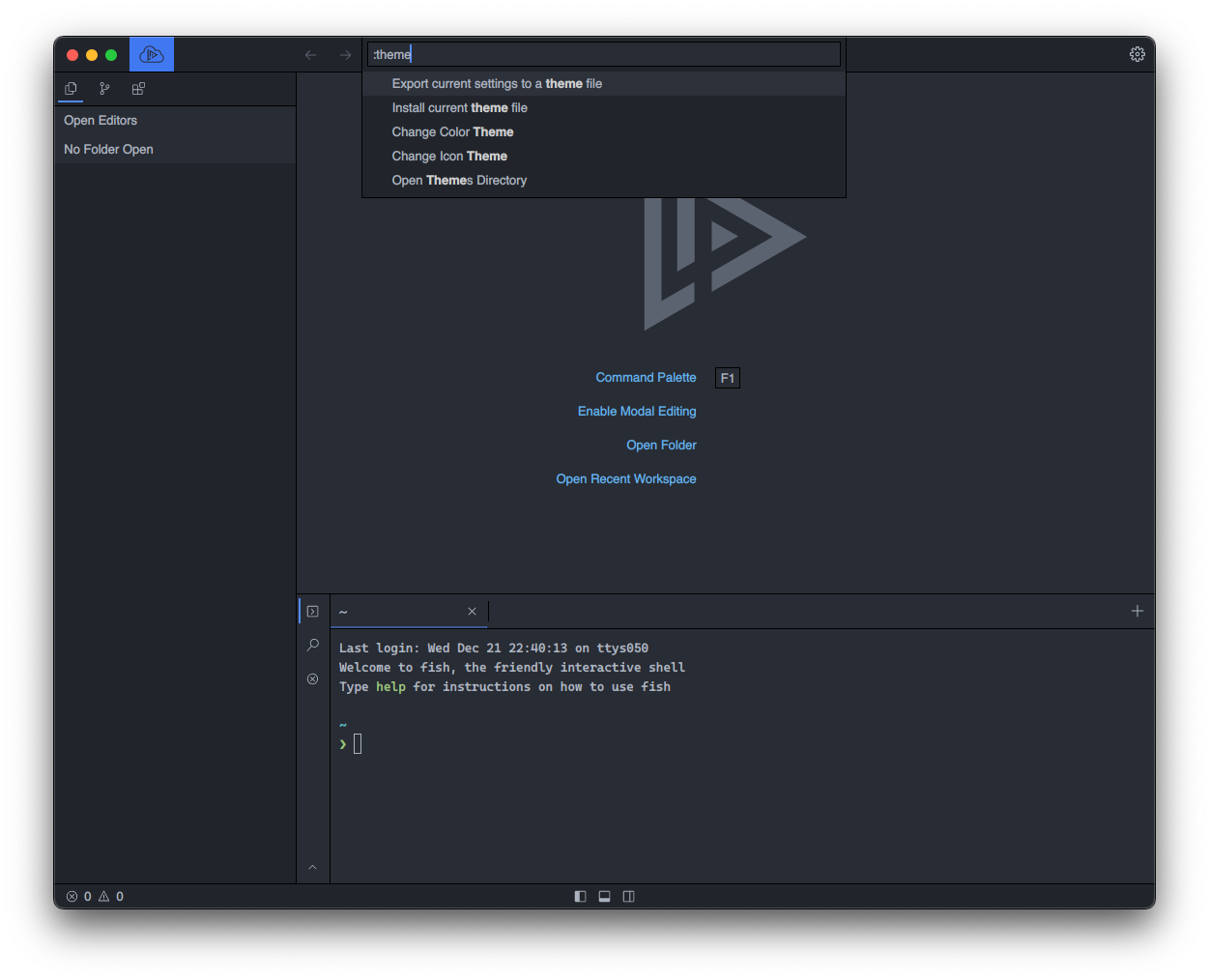
You can customise how Lapce looks via Colour Themes and Icon Themes either via [Command Palette](https://docs.lapce.dev/get-started/command-palette)

<figure><img src="https://1279989839-files.gitbook.io/~/files/v0/b/gitbook-x-prod.appspot.com/o/spaces%2FpaZ1oz0AW4dW6jE63vDO%2Fuploads%2Fgit-blob-295936a46ad88946f048df04bbb4dbc9da62ac2f%2Ftheme_command_palette.png?alt=media" alt=""><figcaption></figcaption></figure>

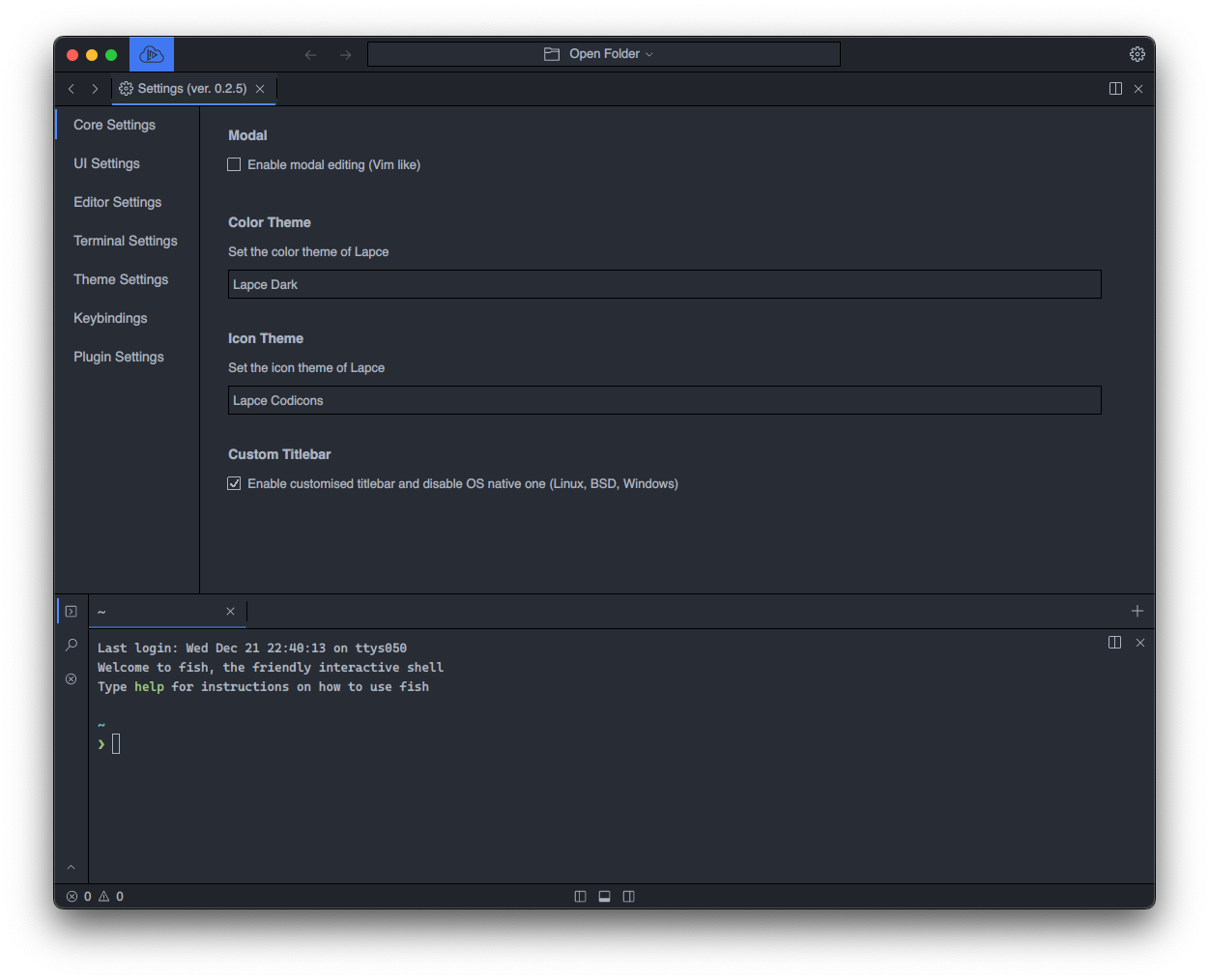
or via [Core Settings](https://docs.lapce.dev/get-started/settings)

<figure><img src="https://1279989839-files.gitbook.io/~/files/v0/b/gitbook-x-prod.appspot.com/o/spaces%2FpaZ1oz0AW4dW6jE63vDO%2Fuploads%2Fgit-blob-059d7252863ffb3a6949d389f3e81edcf95e6735%2Ftheme_core_settings.png?alt=media" alt=""><figcaption></figcaption></figure>

## Installing themes

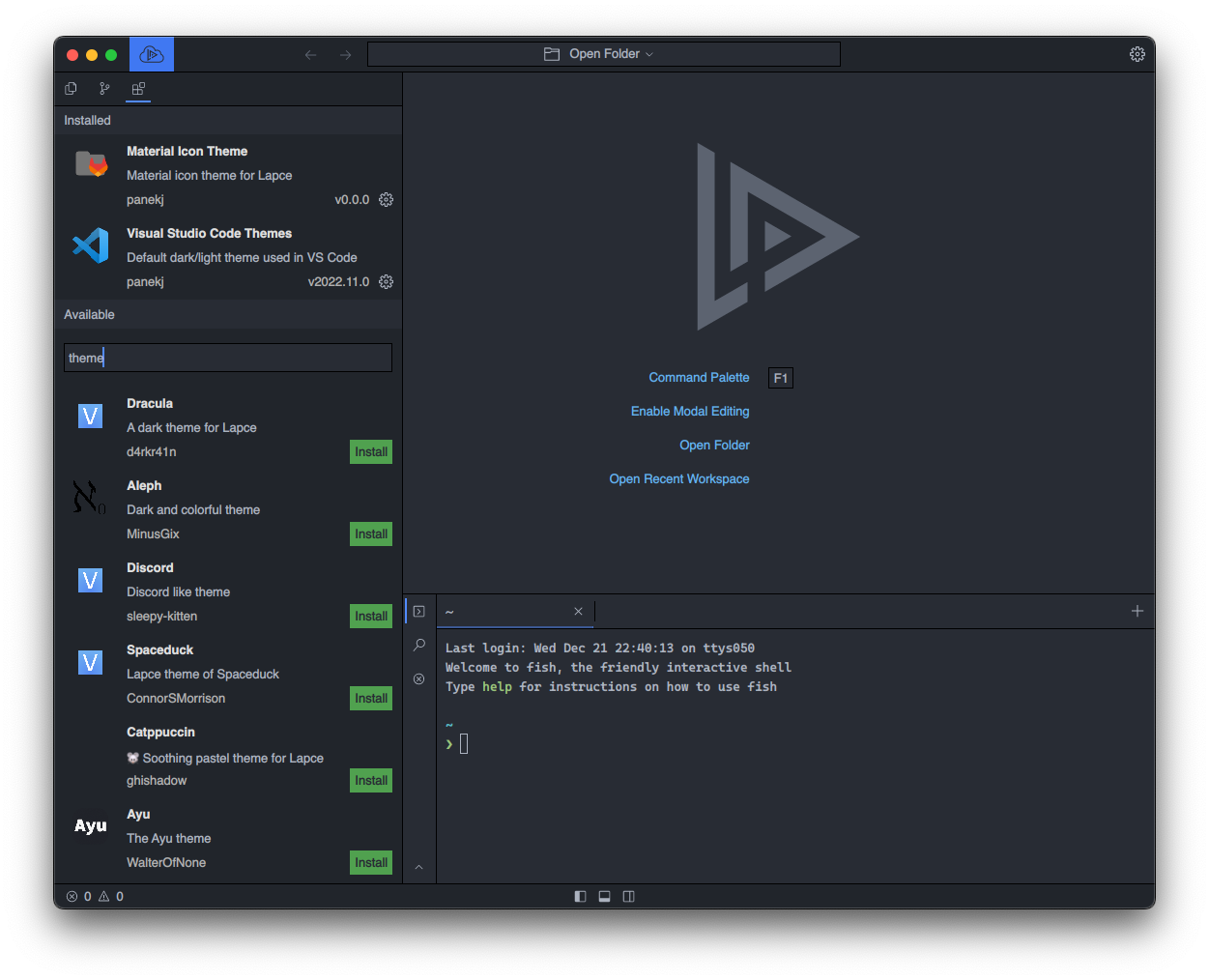
Themes can be installed just like other extensions from the extensions tab

<figure><img src="https://1279989839-files.gitbook.io/~/files/v0/b/gitbook-x-prod.appspot.com/o/spaces%2FpaZ1oz0AW4dW6jE63vDO%2Fuploads%2Fgit-blob-7c01fe86d781036ab4b3f675d0a4842c68f32c05%2Ftheme_plugins.png?alt=media" alt=""><figcaption></figcaption></figure>

***

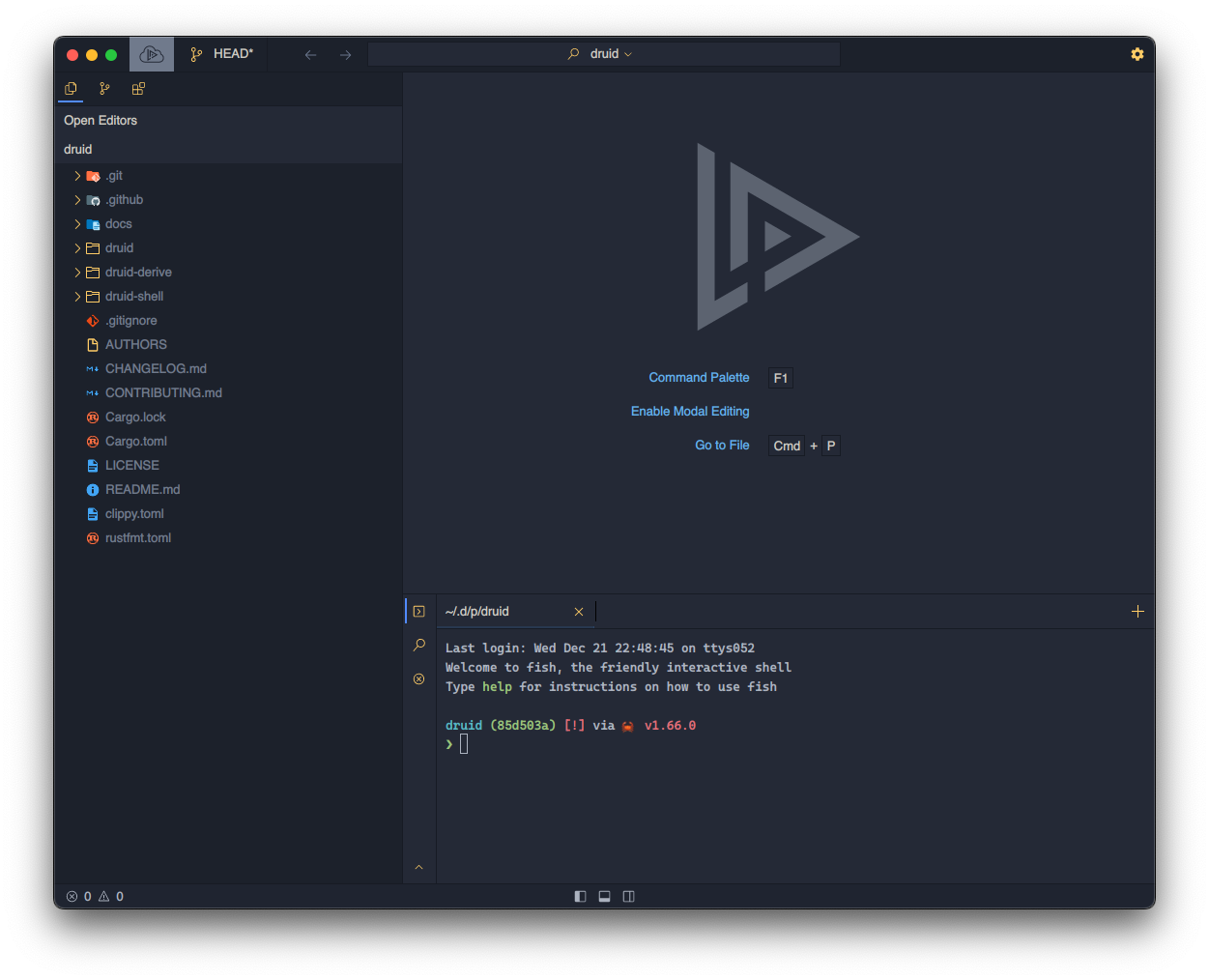
*Lapce with* [*`Ayu Mirage`*](https://plugins.lapce.dev/plugins/WalterOfNone/ayu) *and `Material Icons`*
<figure><img src="https://1279989839-files.gitbook.io/~/files/v0/b/gitbook-x-prod.appspot.com/o/spaces%2FpaZ1oz0AW4dW6jE63vDO%2Fuploads%2Fgit-blob-e60eeb963803aae94961c5dc5d767696c1e342e2%2Ftheme_example.png?alt=media" alt=""><figcaption></figcaption></figure>